Skip to content
School Manager Uganda · Documentation
Main website
Documentation home
  • Audit Logs overview/audit-logs
  • Guides

    • Manage account access and audit history
      • Assign appropriate access
      • Manage your account
      • Review audit records
Contact support

System · Audit Logs

Manage account access and audit history

Review roles, permissions, personal account settings, and audit records.

On this page
  • Assign appropriate access
  • Manage your account
  • Review audit records

Assign appropriate access

Use the Permissions guide to review user access. Give each person only the access required for their work and check whether class or subject allocations are also needed for a task.

Manage your account

Settings includes profile details, password and security, appearance, app installation, and school management settings. Keep your own contact and sign-in information current. Use Password & Security for the account security controls displayed by the workspace.
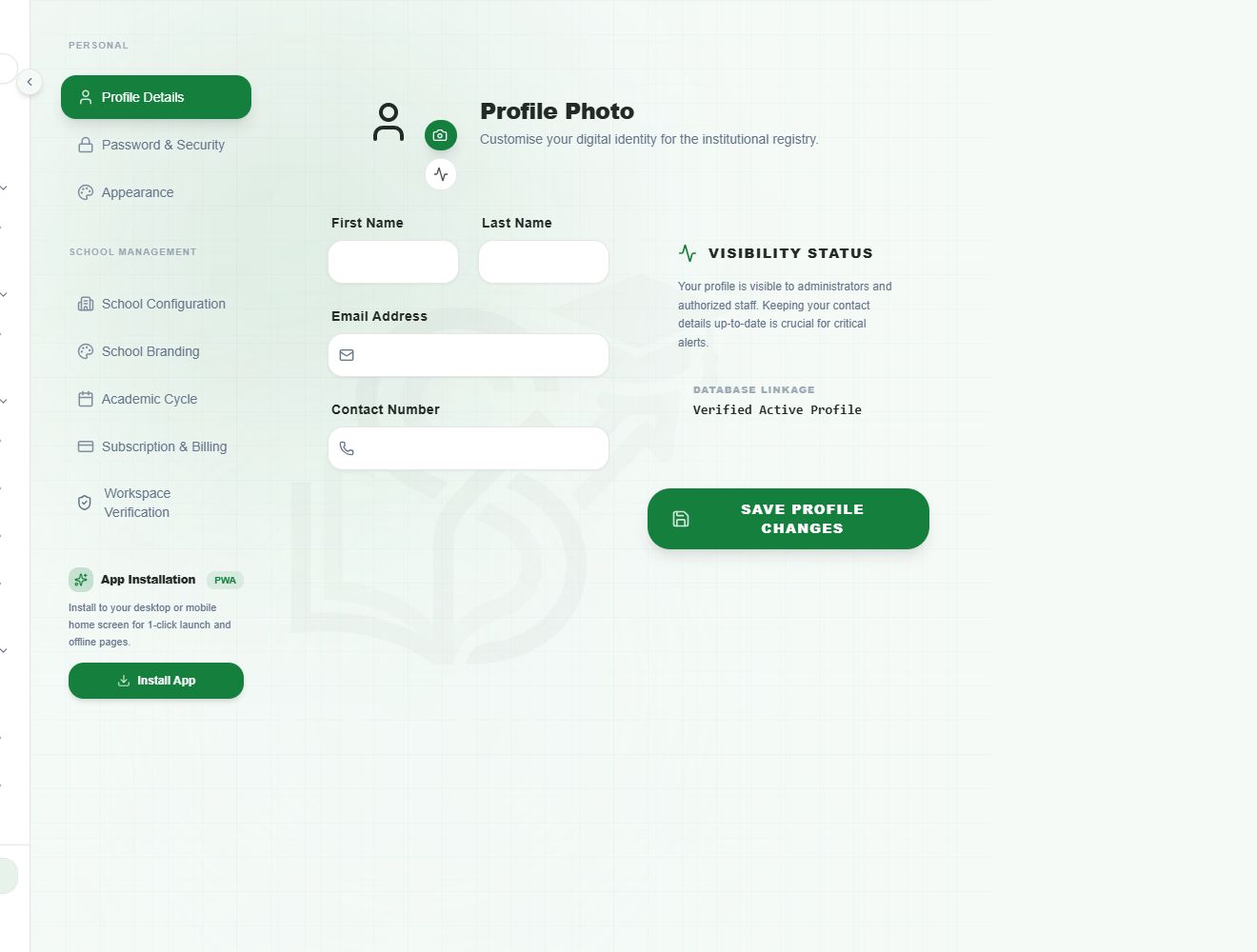
Personal profile settings with empty profile fieldsView full screen
Profile Details edits the signed-in user's profile. School Configuration and School Branding are separate school-level settings.

Review audit records

Audit Logs provides an administrative record of activity available to your role. Use its filters to locate a relevant period or event, then review the details for an authorised operational or security purpose.

Audit history can contain sensitive names and actions. Limit access and sharing to authorised administrators.

Have a question about this guide? Contact our team
PreviousUse the AI writing and planning toolsNextSchool workspace feature map
School Manager Uganda · A handbook by Avizon Innovations

On this page

  • Assign appropriate access
  • Manage your account
  • Review audit records