Skip to content
School Manager Uganda · Documentation
Main website
Documentation home
  • Dashboard overview/dashboard
  • Guides

    • Understand your dashboard
      • Find your daily work
      • Use your subject and class cards
Contact support

Overview · Dashboard

Understand your dashboard

Use quick access, subject cards, and class cards to open your daily work.

On this page
  • Find your daily work
  • Use your subject and class cards

Find your daily work

Open Dashboard from the left navigation. Review the quick access links and the subject and class cards available to your role. Your dashboard depends on your responsibilities and allocations.
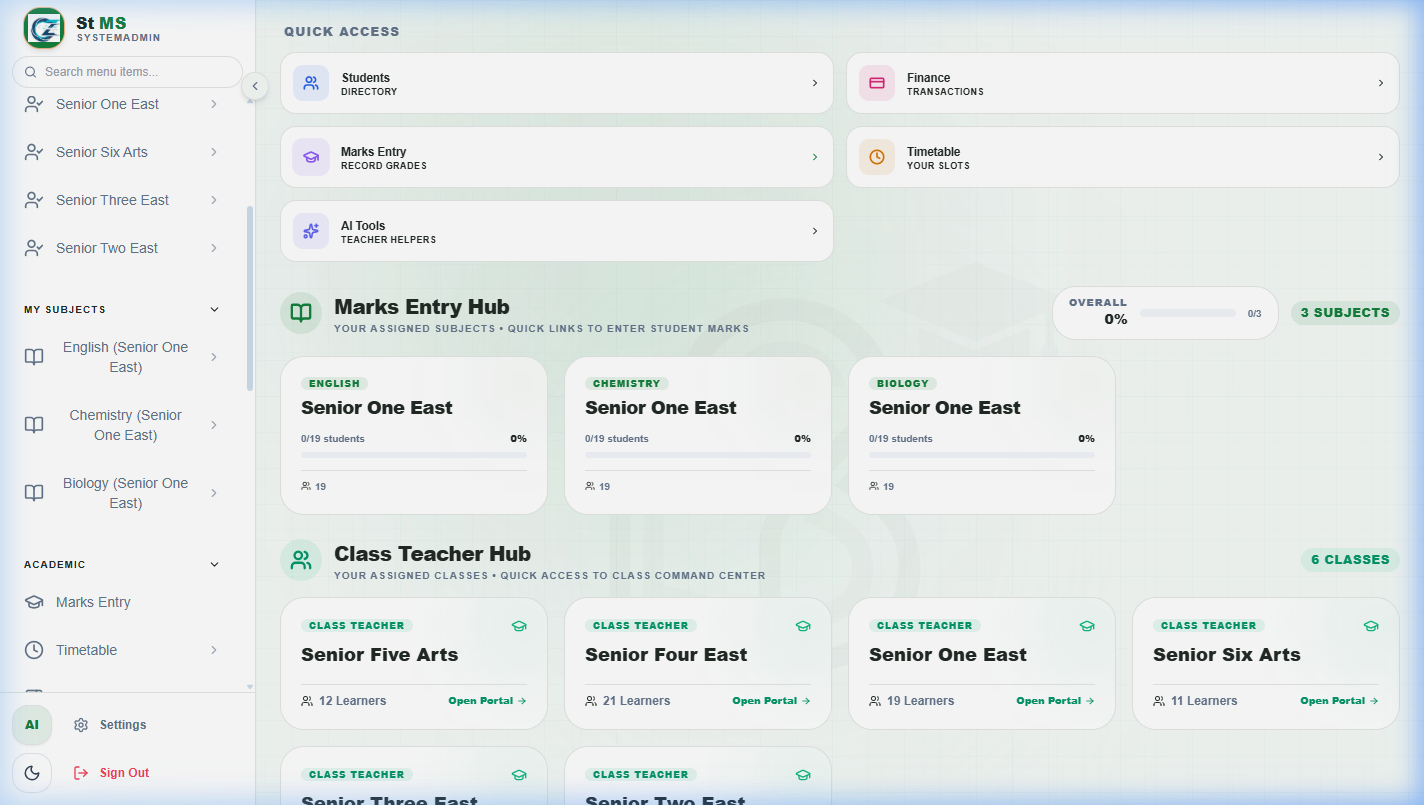
Dashboard quick access links above subject and class cardsView full screen
Quick Access opens frequently used workspaces. The subject cards below it lead into the Marks Entry Hub; the Class Teacher Hub groups assigned classes.

Use your subject and class cards

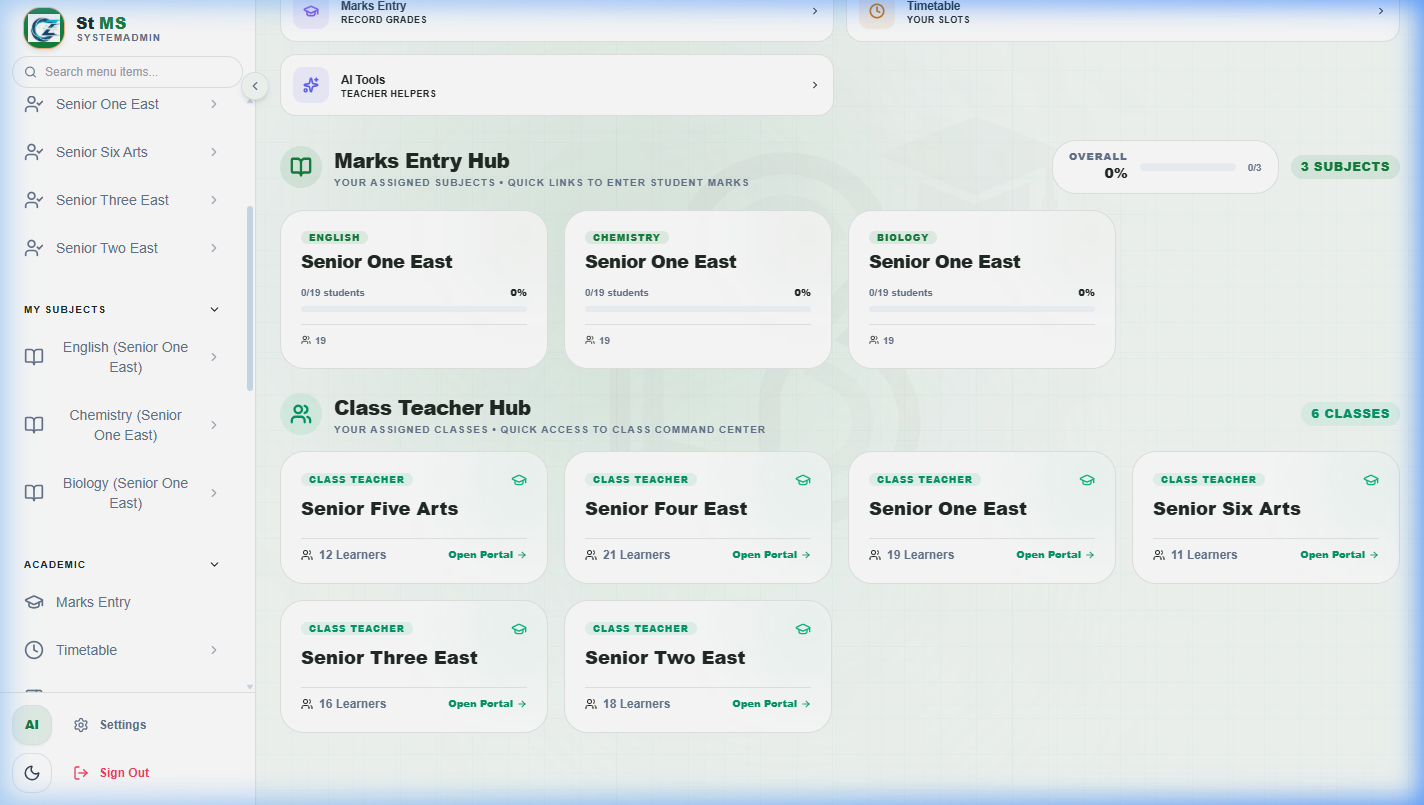
Dashboard showing subject cards in the Marks Entry Hub and assigned class cardsView full screen
Find the class and subject you are responsible for, then open its card. If the expected card is missing, ask the academic administrator to check your allocation.

Before entering marks or changing records, check the academic period in the workspace you open.

Have a question about this guide? Contact our team
PreviousFirst day setupNextCommon questions
School Manager Uganda · A handbook by Avizon Innovations

On this page

  • Find your daily work
  • Use your subject and class cards