
Settings · Settings
School settings
Understand school identity, branding, and academic period settings.
Review school identity and branding
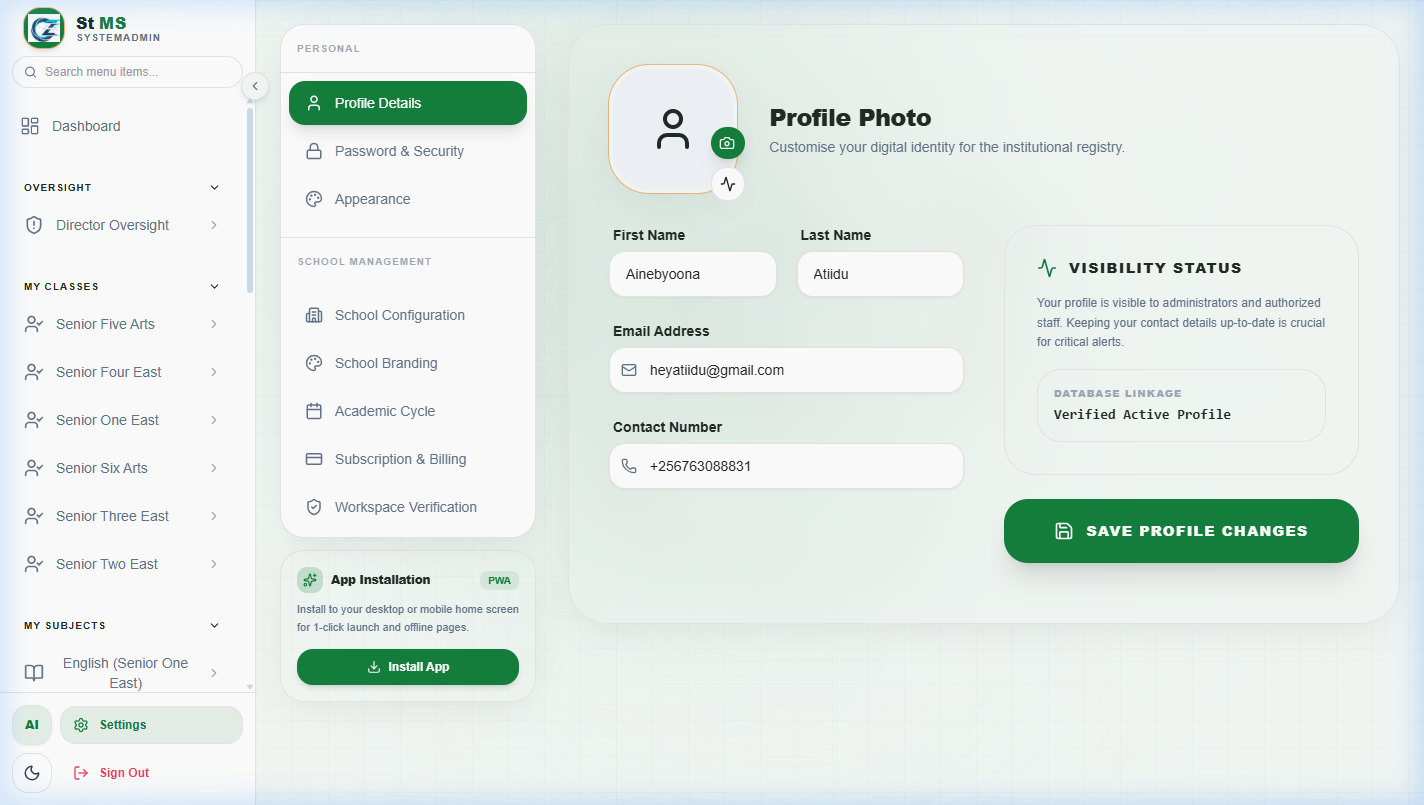
Open Settings with an authorised administrator account. Review the school name, contact details, logo, and available branding controls. Check saved changes in the workspace before continuing.
 View full screen
Understand academic period changes
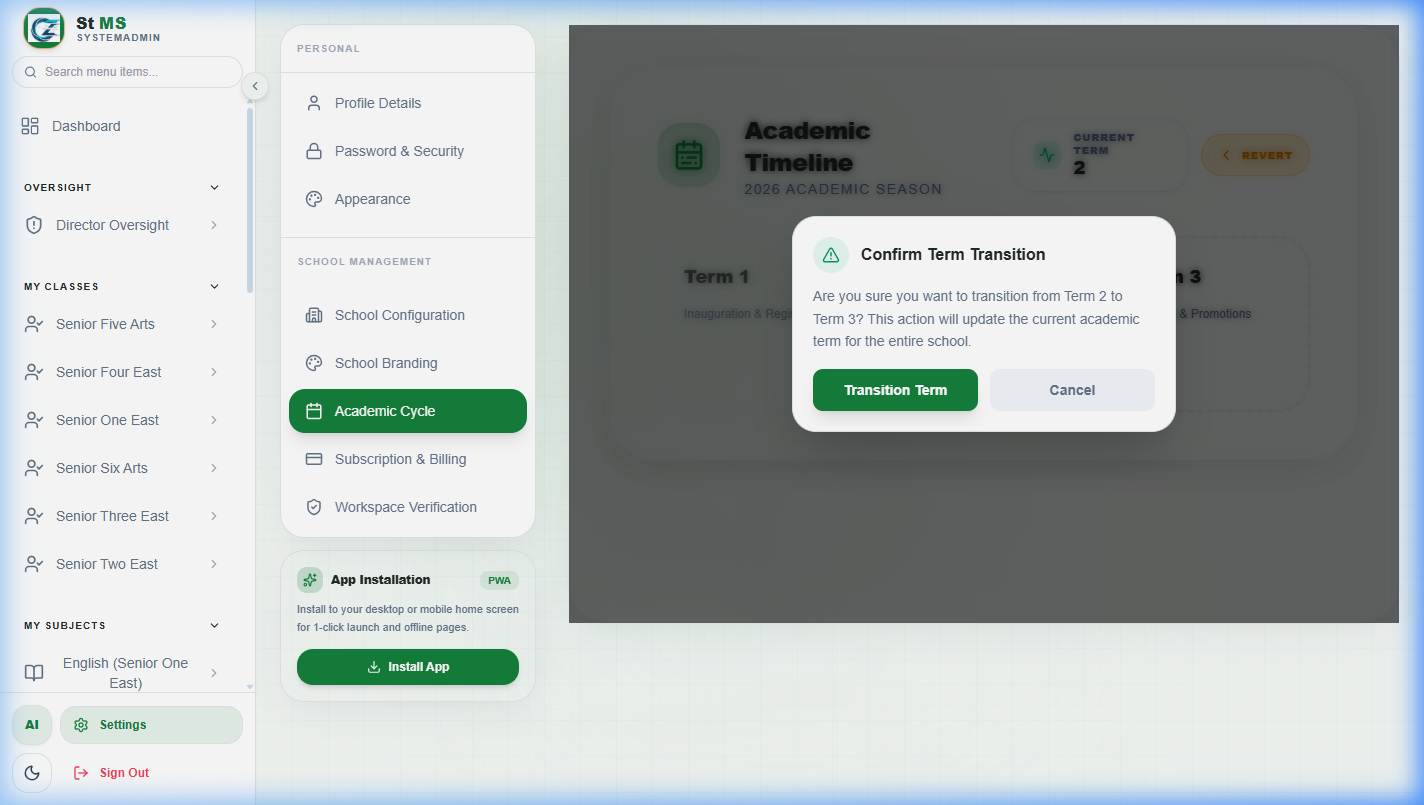
The active term and year affect term-based work across the school. Review the academic settings and coordinate any transition with the office, bursar, and academic team.
Before confirming a transition, check the displayed source and target periods and read the confirmation message. Review outstanding marks, reports, and fee work according to your school's closing procedure.
 View full screen